INFO
This is an archived article about product updates. Latest updates are published on the Changelog.
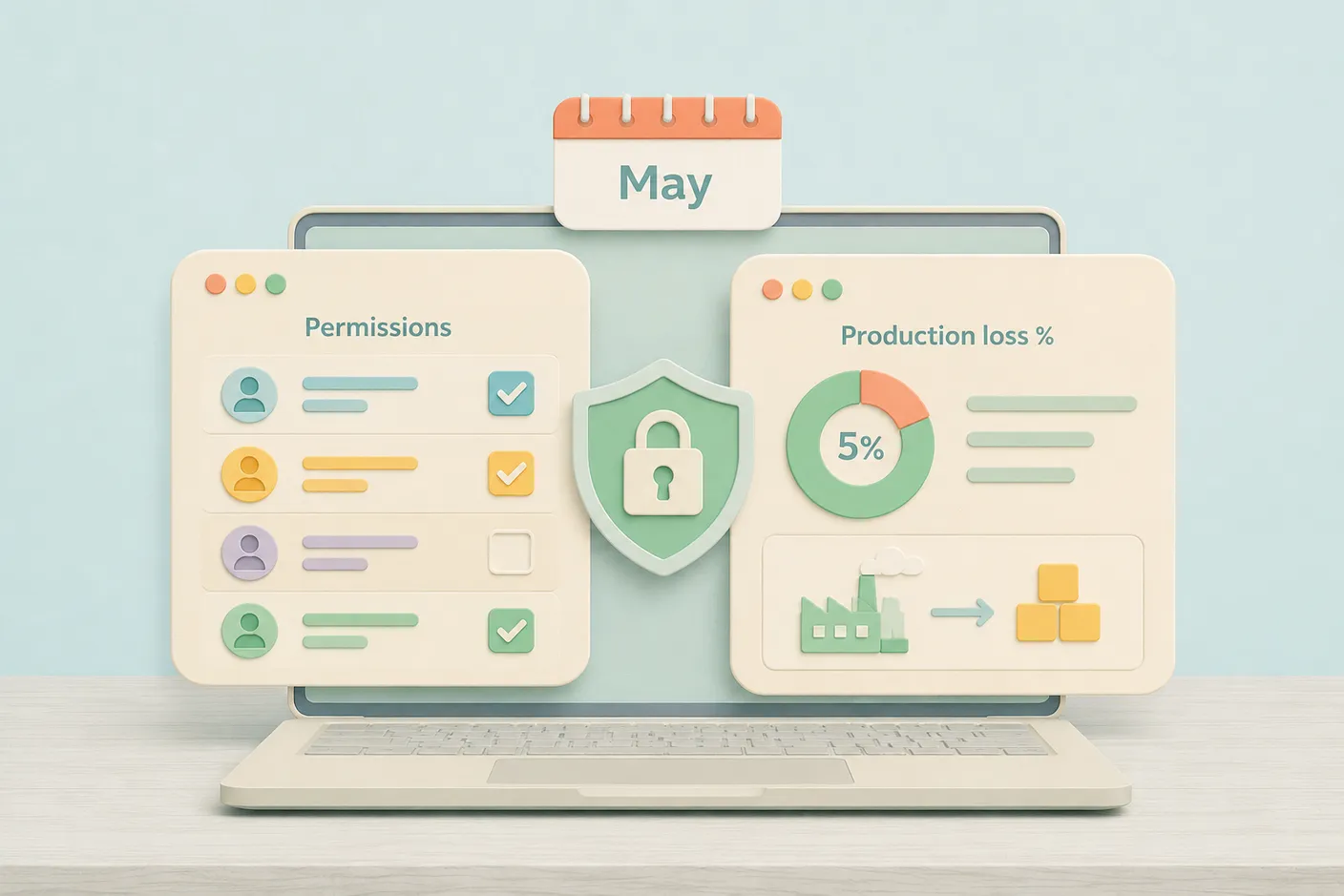
In May, we expanded access rights settings and added several options for more flexible and precise work: limiting available product categories in transactions, tracking loss percentages in bills of materials, and linking suppliers to products.
Expanded Access Rights
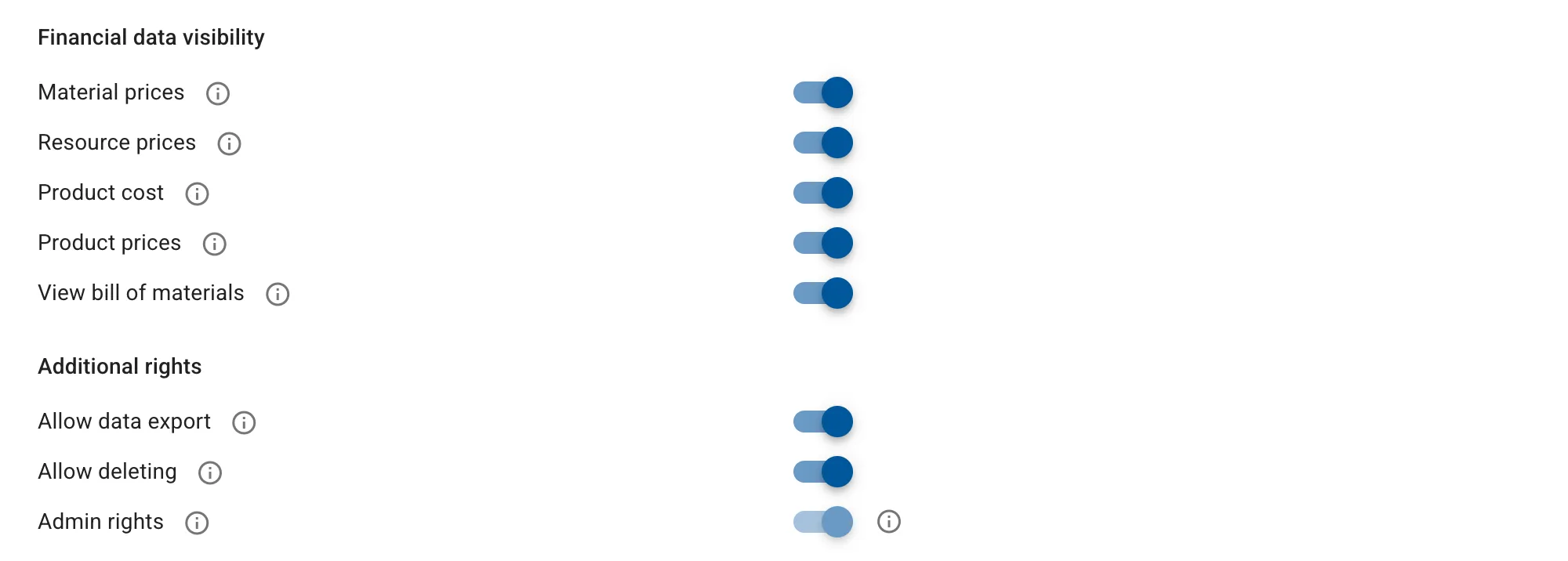
Access rights are now more granular. For each section, you can separately configure view, edit, and status change permissions. For example, you can allow an employee to work with production but prevent them from changing operation statuses.
A new financial data visibility setting has been added. For selected employees, you can hide material and resource costs, product cost and price, and bills of materials.
We also added a separate delete permission. You can now allow an employee to edit data but prevent them from deleting records in the system.
Loss Percentage in Bills of Materials
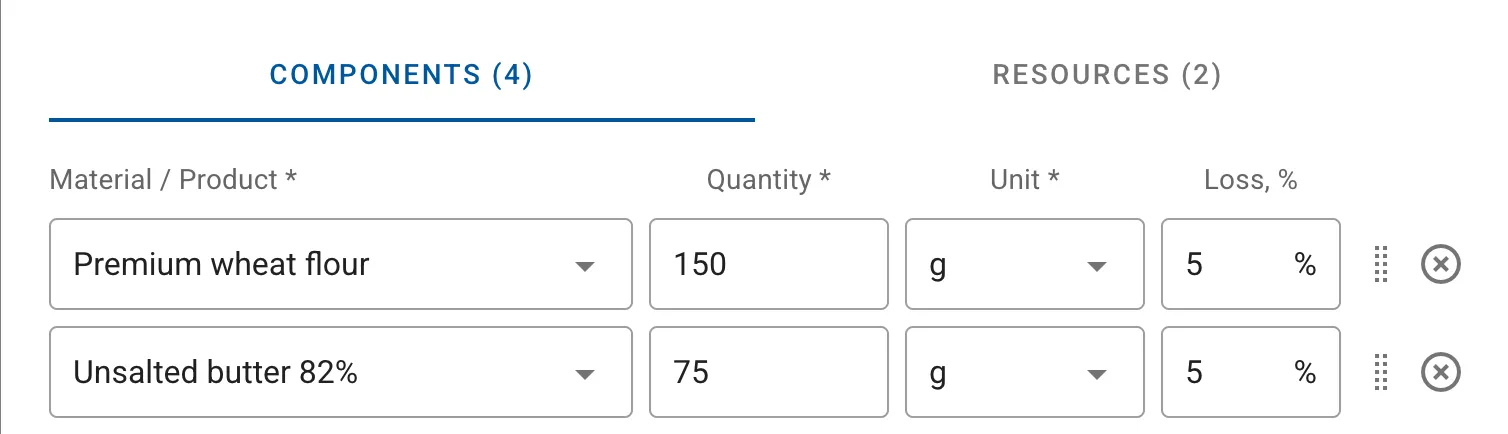
By enabling this option in settings, you can specify a loss percentage for each component in a bill of materials. Usage and loss are set as separate values.
For example, a product technically requires 100 ml of stain, and you want to account for 5% loss. In the bill of materials, you enter usage (100 ml) and loss percentage (5%) separately. During production, the material will be consumed with the loss percentage applied.
Available Product Categories in Transactions
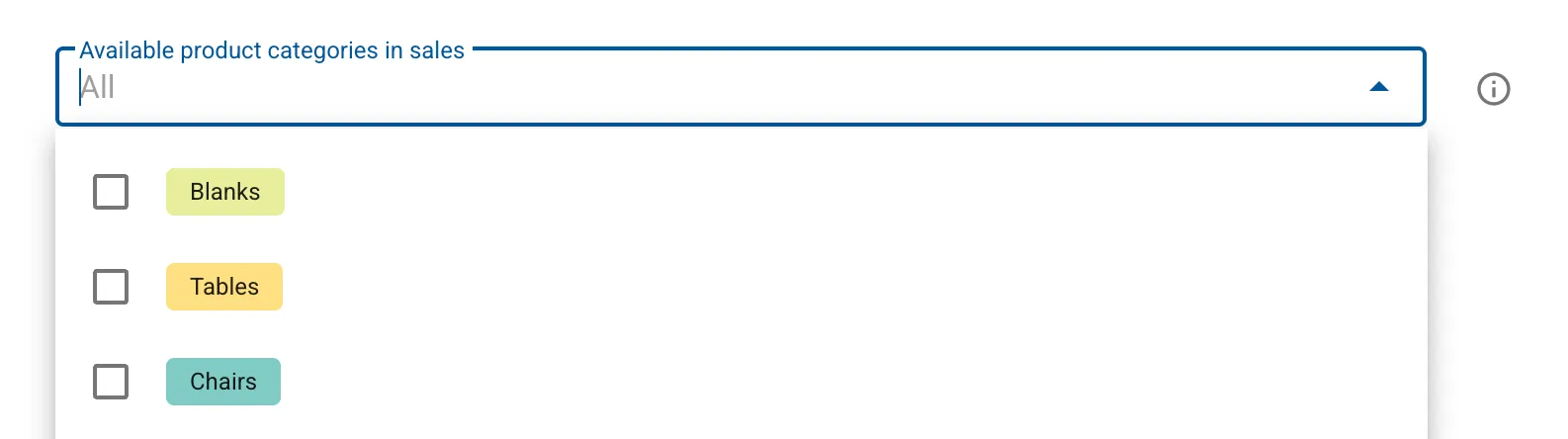
You can now specify which product categories are available in purchases, production, and sales.
For example, you have 100 products, but only 50 of them go into sales, while the other 50 are subassemblies. In settings, you specify which product categories are available in sales, and only the relevant items will appear in the selection list when creating a sale. Purchases and production are configured the same way.
Suppliers for Products
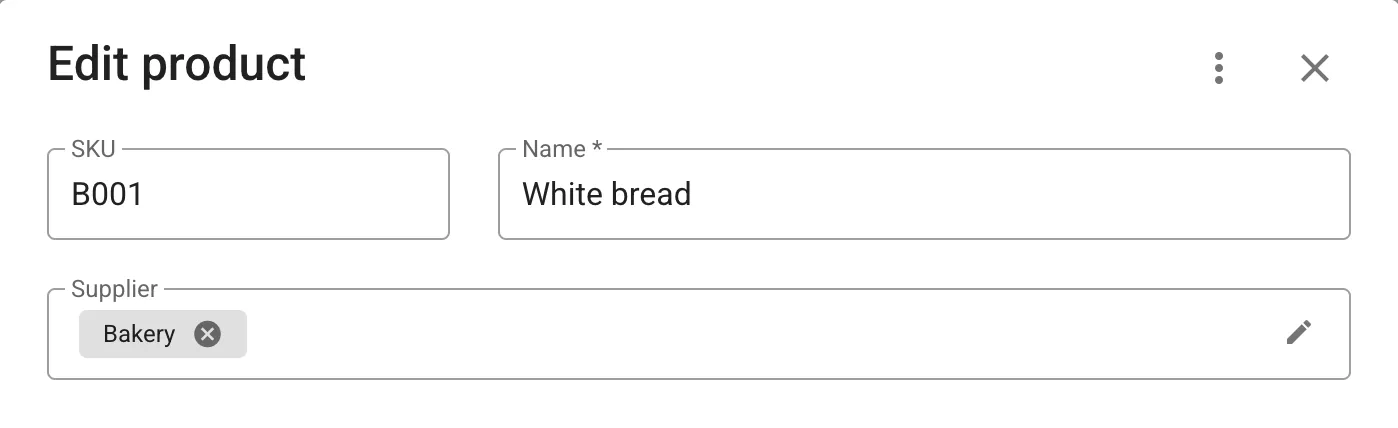
Previously, suppliers could only be linked to materials. Now this works for products as well. Enable the corresponding option in settings, and you’ll be able to assign suppliers to products. When creating a new purchase, materials and products linked to the selected supplier will appear first.
Missing Something?
We’re all ears! If there’s a feature you need, submit your idea in our ideas portal. Ideas with strong community support have the best chance of making it onto our roadmap and into future releases.