
Integrations
Connect your online store to inventory and production. Orders arrive in Controlata on their own, stock levels flow back to the storefront, and everything else plugs in through the open API.

What you can connect
Your Shopify store and any service you build yourself
Shopify
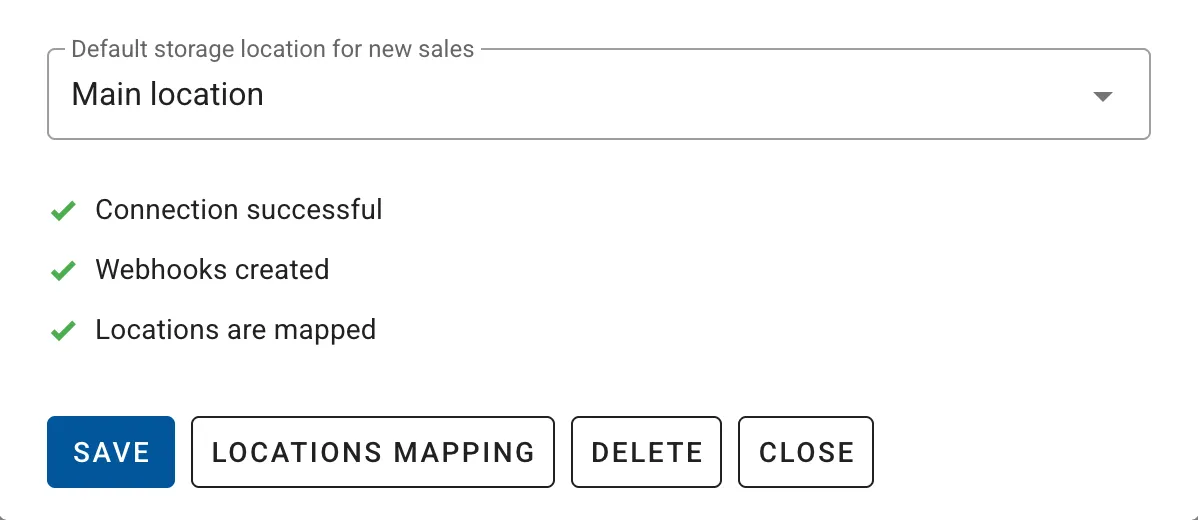
New Shopify orders are imported into Controlata automatically, and edits or cancellations follow. Stock levels flow the other way, so the storefront shows what you actually have.
Products are matched by SKU, and you map Shopify locations to your storage locations once during setup.
Open API
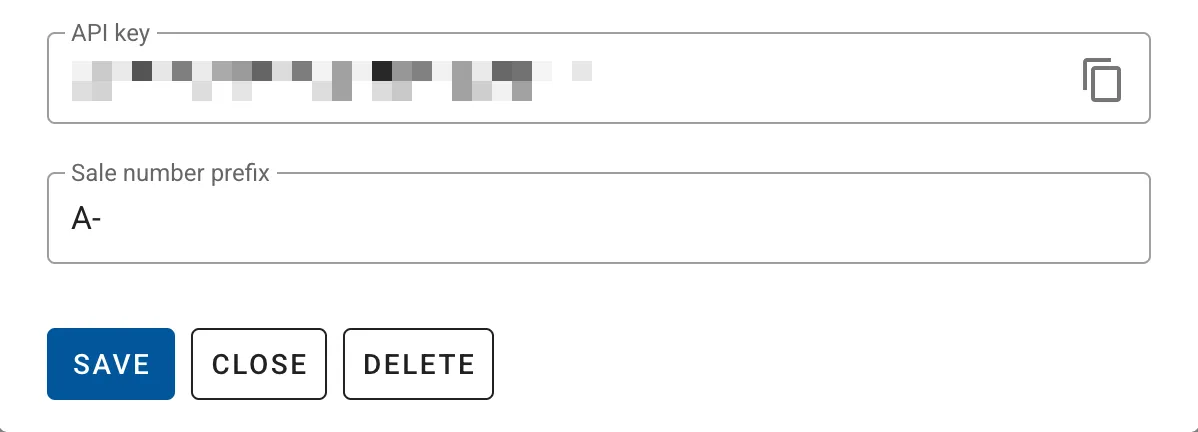
The API connects Controlata to your own site or any third-party service. Orders, customers and products are all available to create, update and delete.
Use it to push stock levels or change order statuses — from your CRM, for example.
Set up in minutes
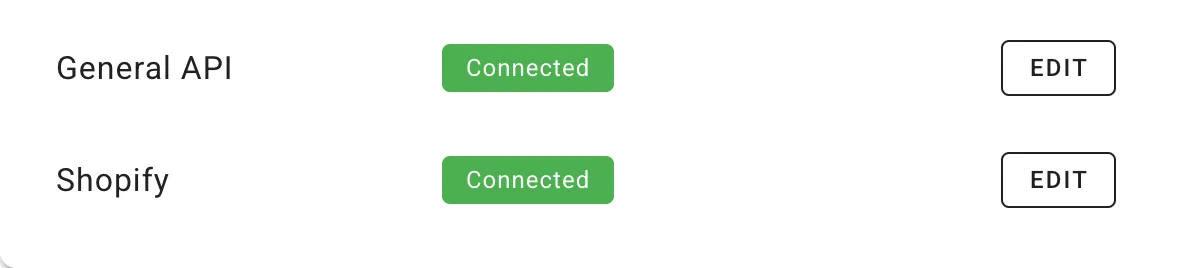
Integrations are connected in Controlata settings — no developer needed, just the access keys from the service you are connecting.
Once connected, orders and stock keep in step on their own: Shopify orders arrive in near real time and inventory updates run every minute.
Why it helps
One set of numbers for the store, the warehouse and the shop floor
Orders arrive on their own
No exporting from the store admin and no reconciling spreadsheets by hand
Stock stays honest
Levels update from Controlata, so the storefront stops selling what you no longer have
One stock for every channel
Online sales, wholesale and production all draw on the same materials and products
Matched by SKU
Products link by SKU, with alternative SKUs when your store and system disagree
Sales feed production
Store orders land in the same plan as the rest, so you see what to make next
We will help you connect
If the keys do not work or products will not match, message us in chat
Integration FAQ
What syncs, how often, and what you need to set up
Which integrations are available?
How often does data sync?
How are products matched?
Do I need to map locations?
Do customer details come through?
Do I need a developer?