User management and access rights
Your stock keeper, production lead, sales manager and accountant all work in one system, but each of them sees only what the job requires. Permissions are set per section, and financial data can be hidden from anyone who does not need it.

How it works
Permissions are set for each person separately
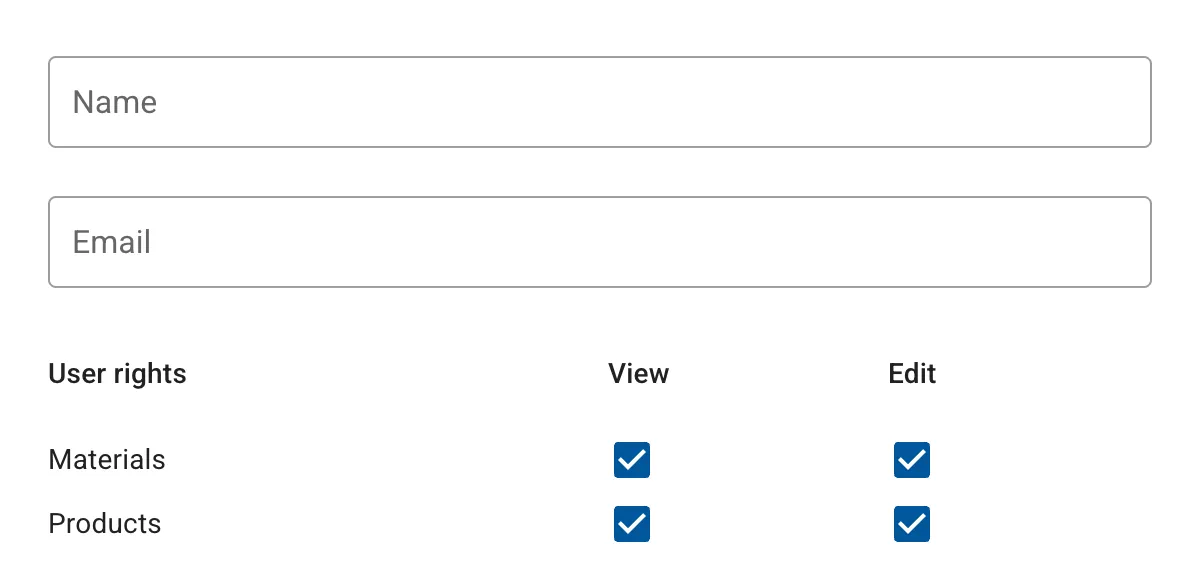
Invite by email
Add a team member in settings and they get an email with a link to set their own password. You never have to share your own login.
For every section you choose what they are allowed to do:
- view — open the section and see what is in it
- edit — add new records and change existing ones
- change status — move purchases, production and orders along
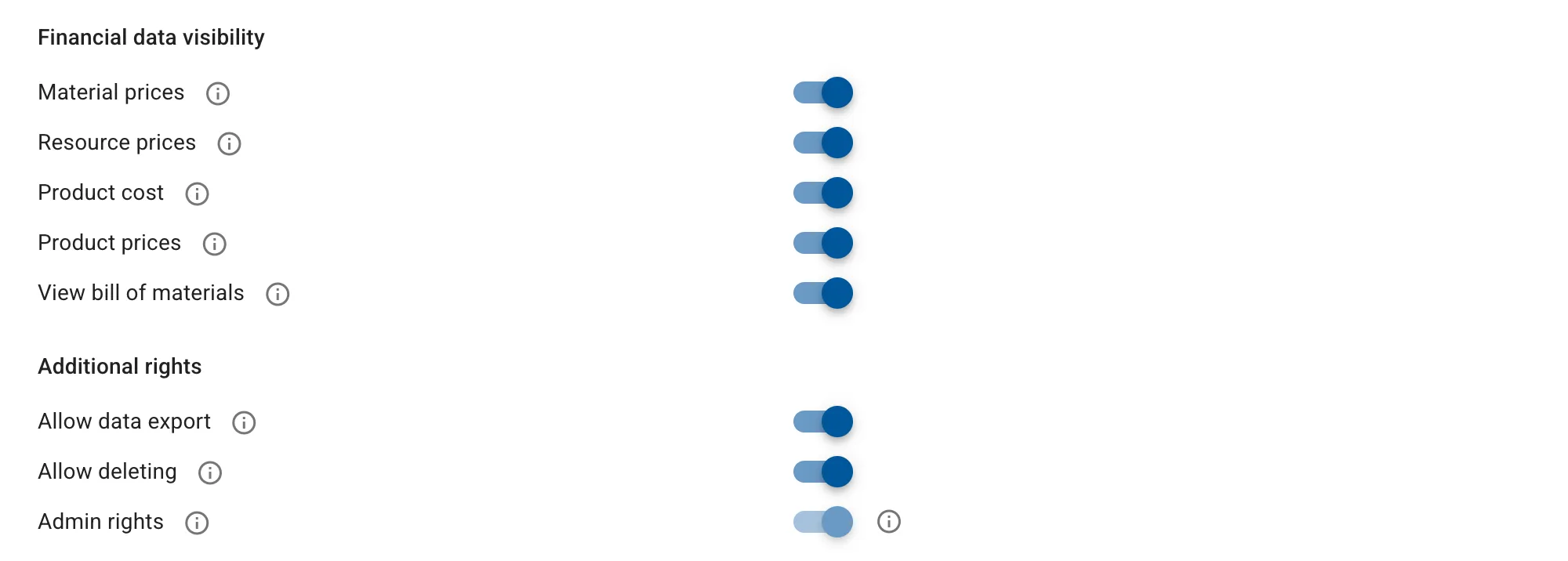
Financial data can be hidden
Separate switches hide material and resource prices, product cost and product prices, and the bill of materials itself.
The same screen grants the extra rights: allow data export, allow deletion, and make someone an administrator.
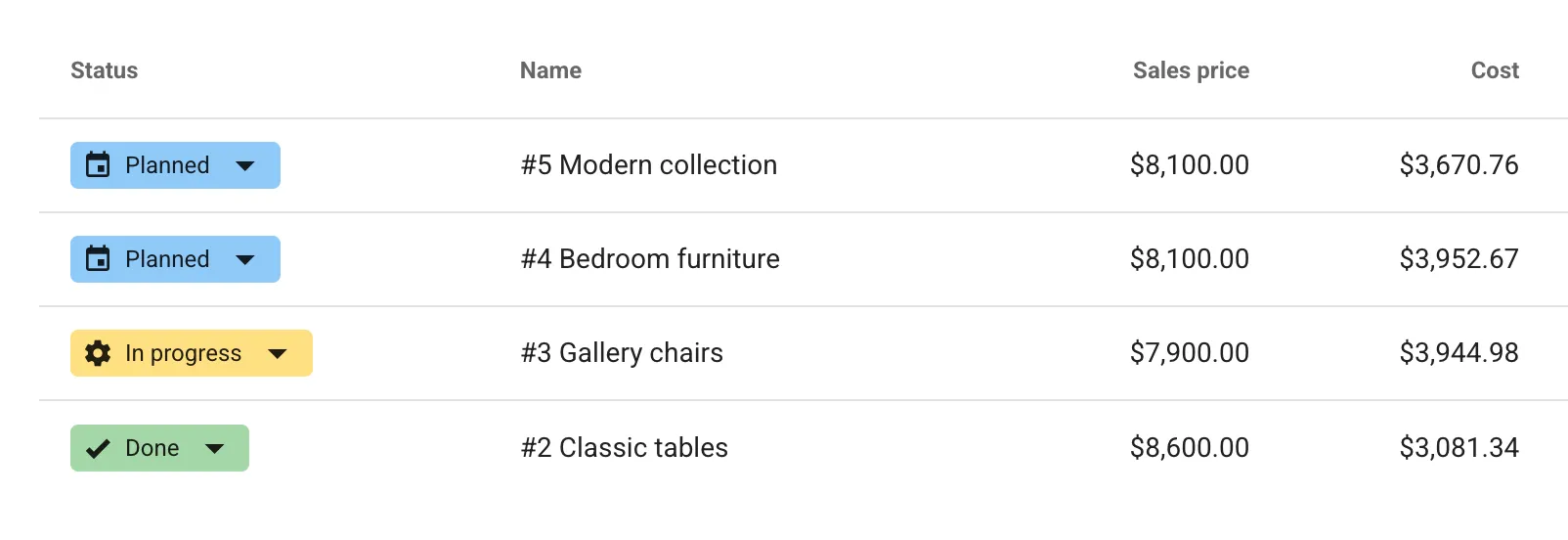
Roles that match your process
There are no preset roles on purpose: you build access around how your workshop actually runs. Stock for the stock keeper, production and BOMs for the production lead, orders and customers without cost figures for sales.
People only see the sections they have access to, so the menu stays short and new hires find their way faster.
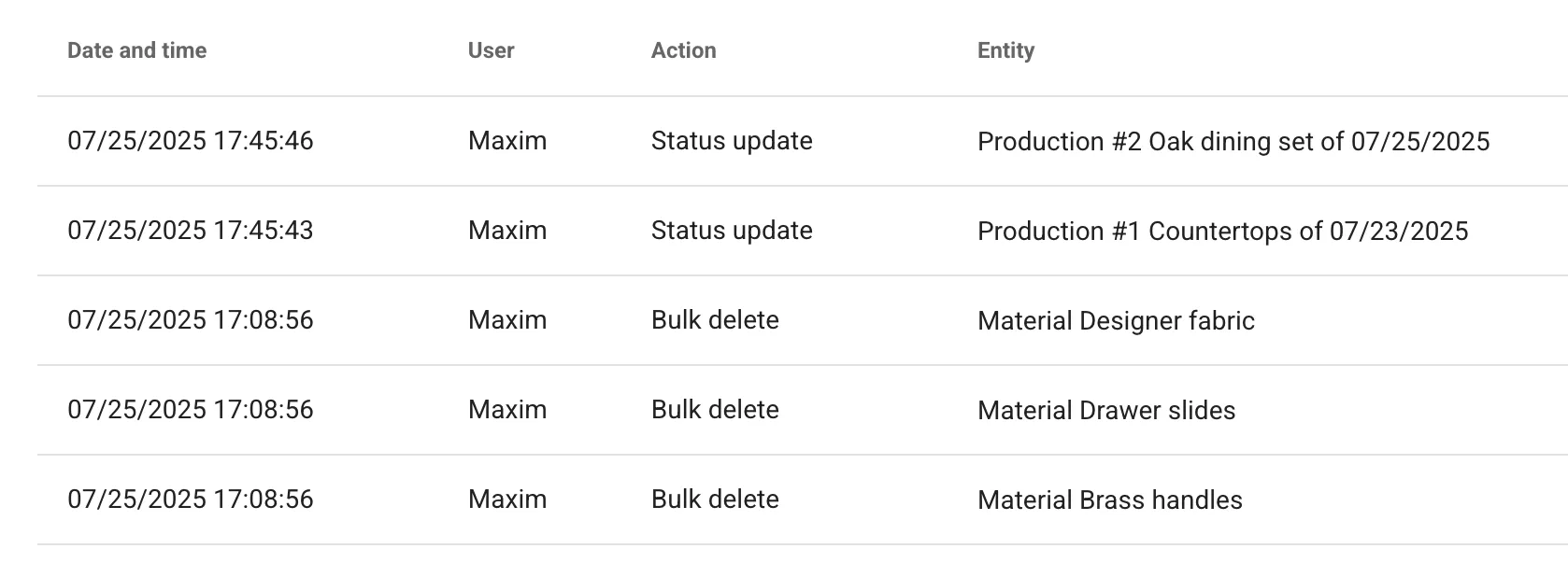
Activity log
Administrators can review every action taken by every user: who created a document, changed a stock figure or moved an order to the next status.
When the numbers are not what you expected, the log shows what happened and who did it.
What it gives you
Everyone works in the same system, each with their own set of permissions
One account per person
No shared logins for a whole department, and the log shows who actually did the work
Access to financial data is set per person
Material prices, product cost and bills of materials are hidden with their own switches
Only the sections they need
People see the parts of the system they have access to and find their way around faster
Critical operations stay controlled
Only someone granted the right to change statuses can close a production run or ship an order
Every action is recorded
The log keeps who created a document, changed a stock figure or moved a status, and when
Users included in every plan
Each plan comes with several users, and more can be added month to month
Frequently asked questions
How permissions are granted and what people see
How do I add someone to the team?
What permission levels are there?
Can I hide prices and product cost?
What makes an administrator different?
Are there preset roles?
How many users can I add?